In-Resort Fees (CMA Regulations)
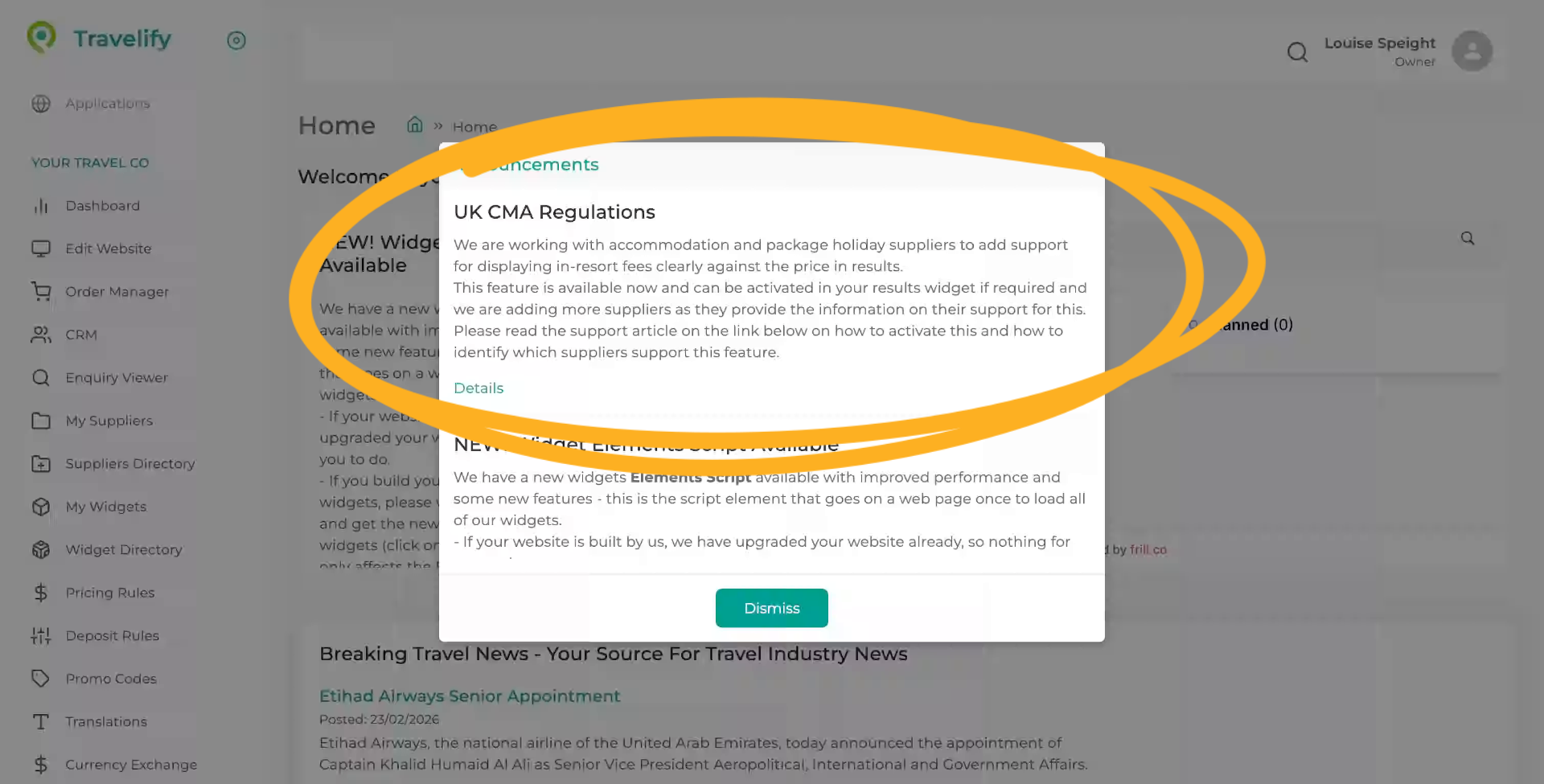
Recent CMA Regulations within the UK require travel companies to clearly display all charges that the customer could be liable for, within their holiday costs. This tutorial guides you through configuring in-resort fees in compliance with CMA regulations.
1. Introduction
You will learn how to enable and style resort fee pricing and verify changes on your website.
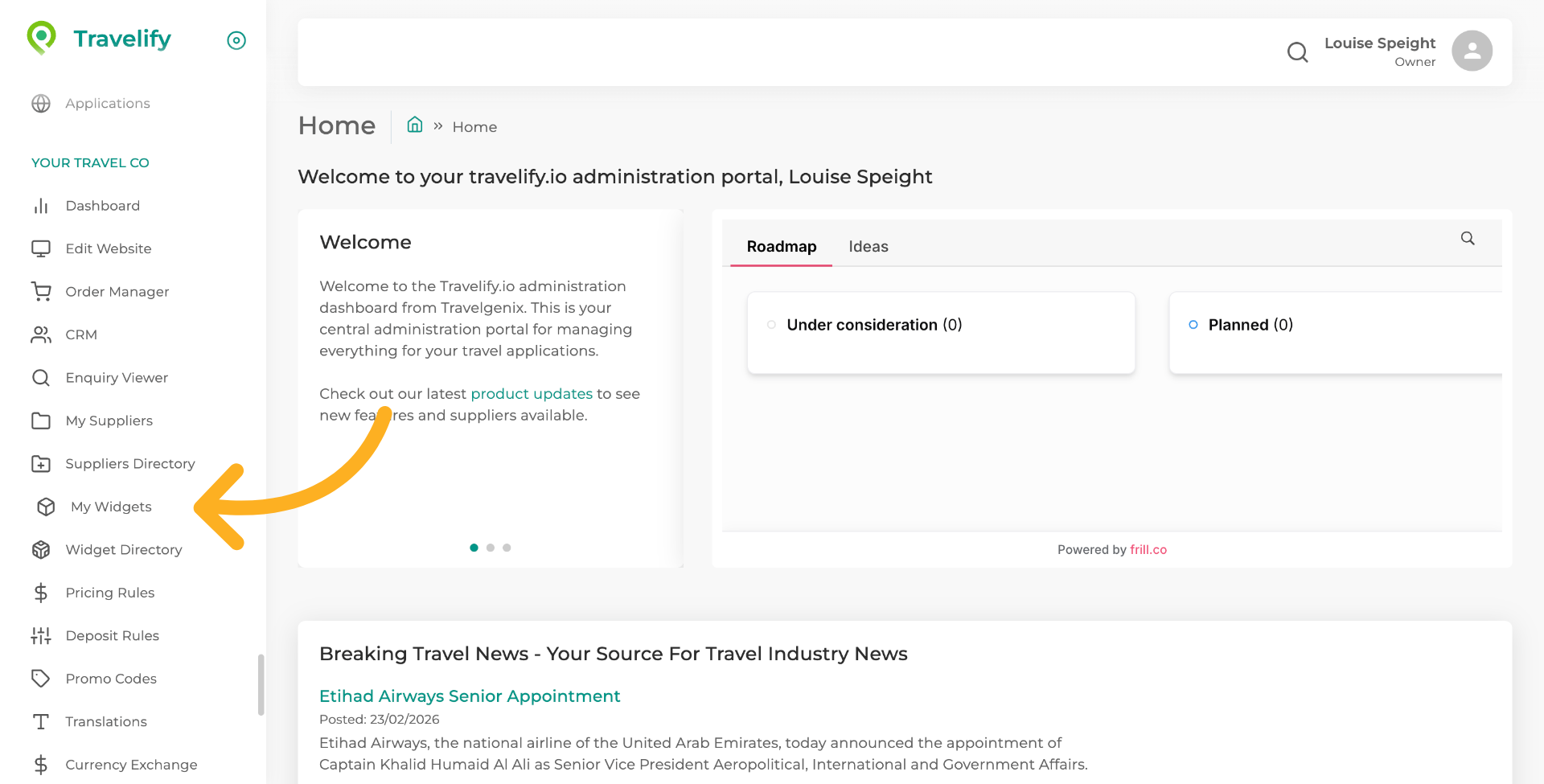
2. Open My Widgets Section
Click "My Widgets" to access the widget management area.
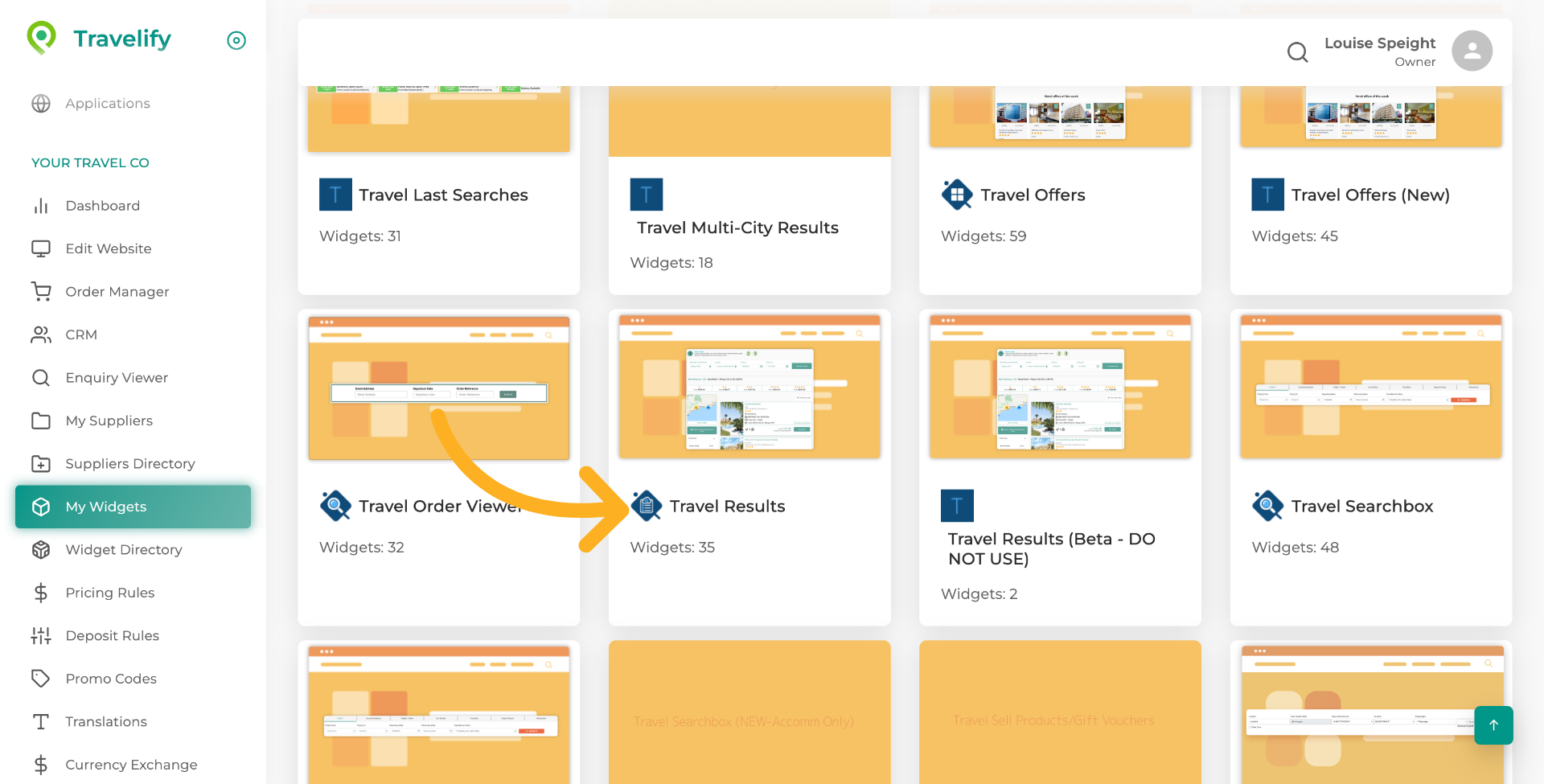
3. Navigate to Travel Results
Click "Travel Results" to view and manage travel-related data and settings.
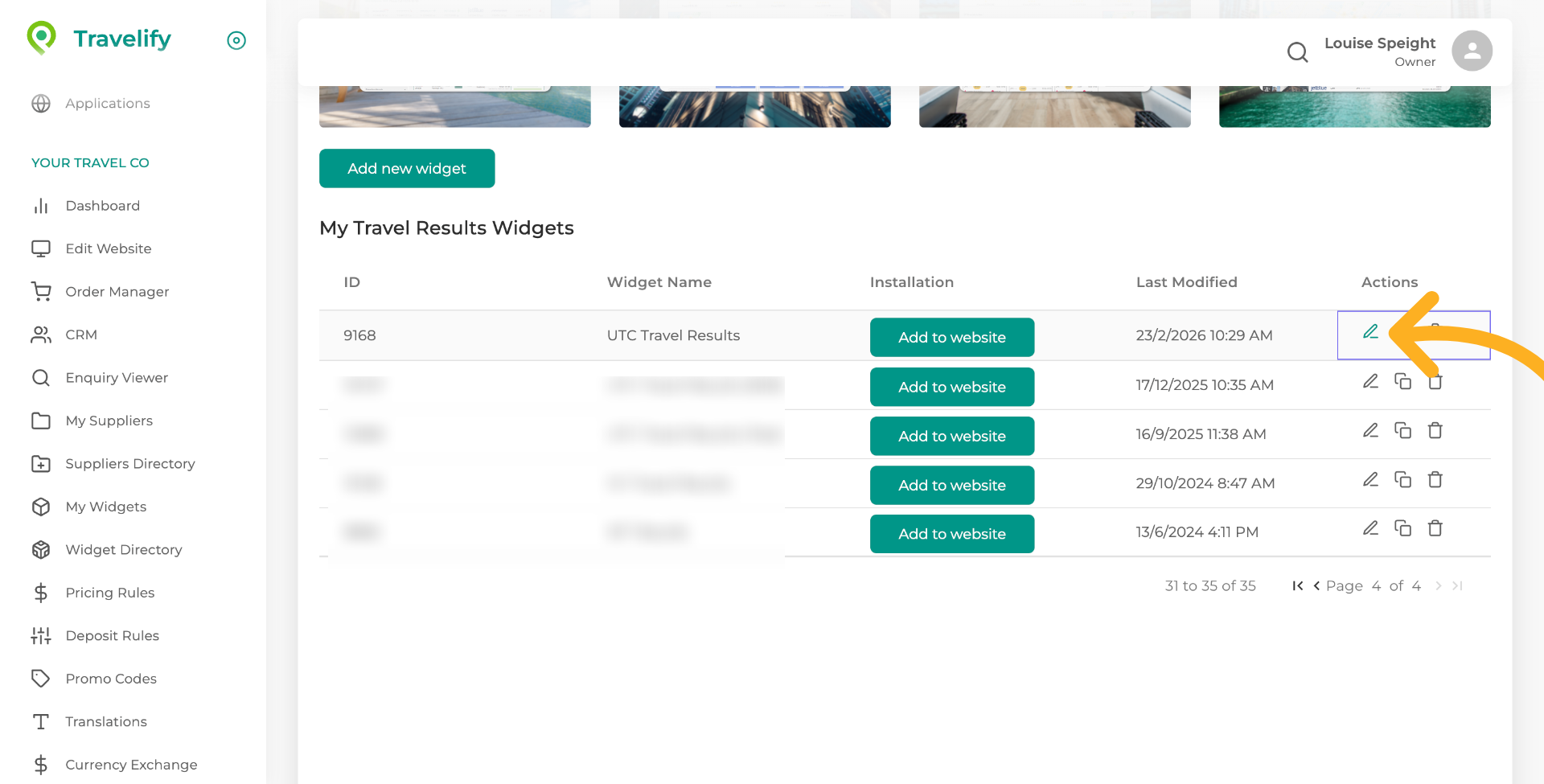
4. Click on the Edit Icon beside your results widget
Click on the Edit Icon beside your results widget.
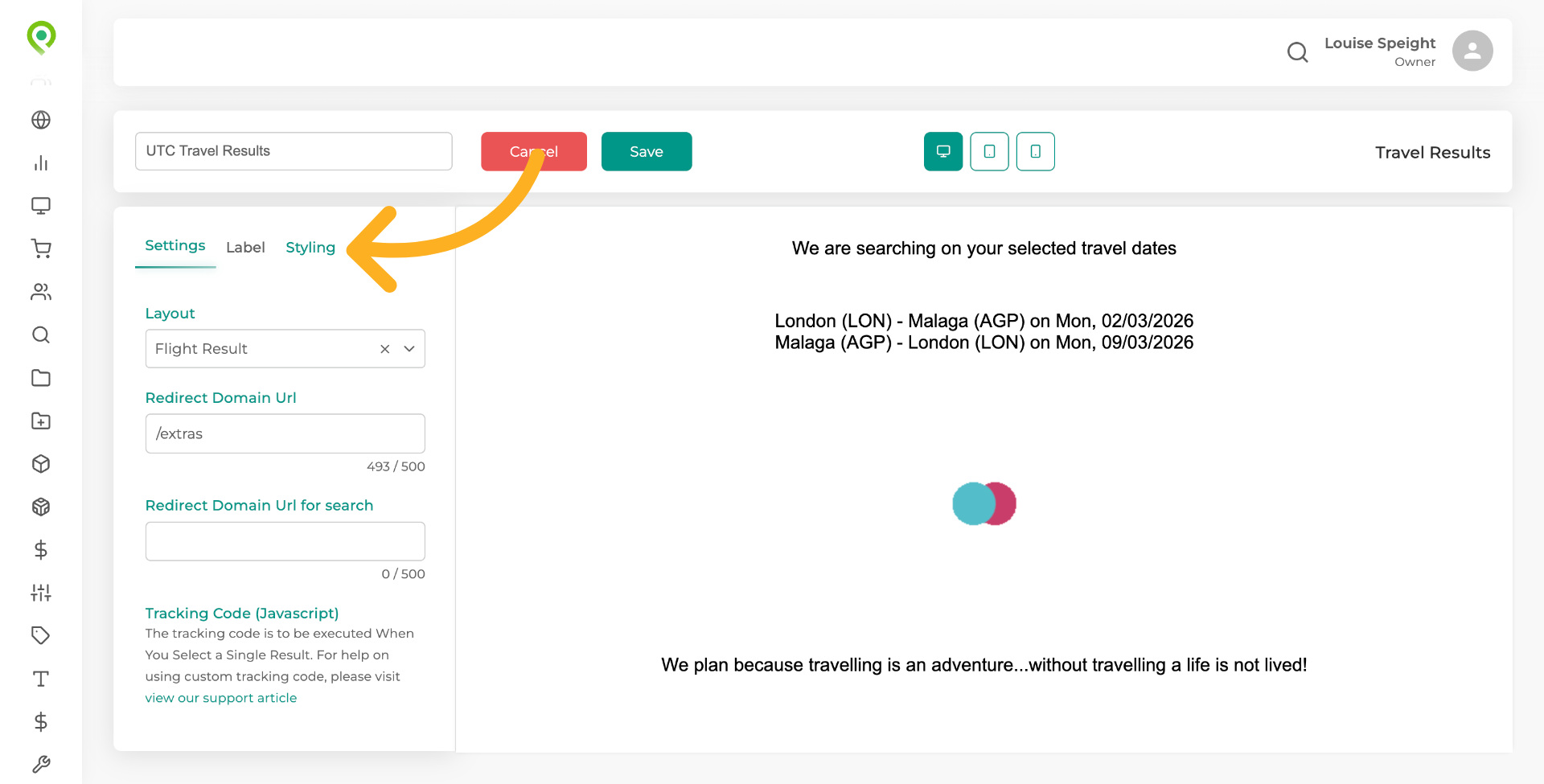
5. Select Styling Tab
Click "Styling" to access resort fee displays.
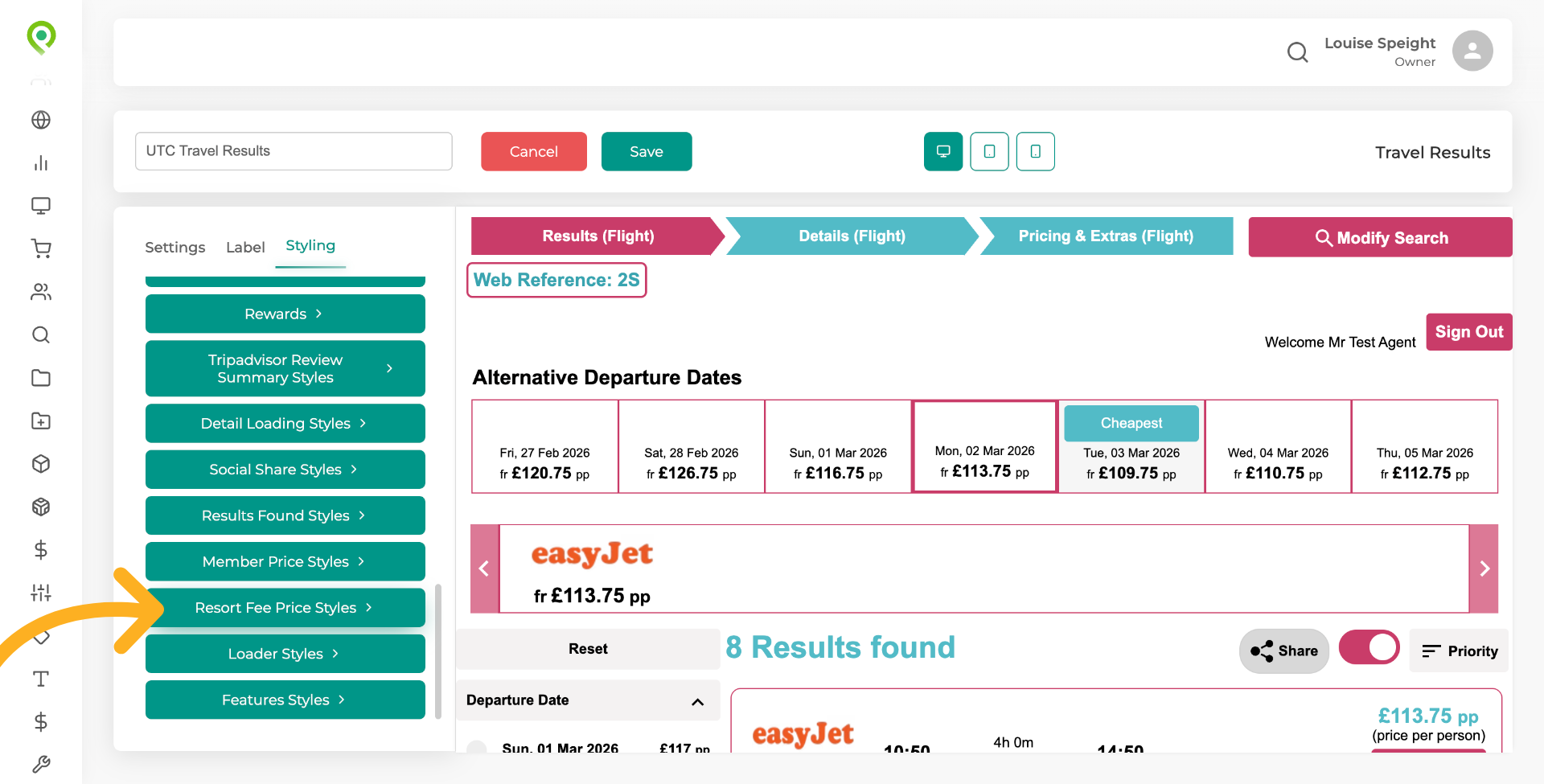
6. Scroll down to Resort Fee Price Styles
Scroll down to "Resort Fee Price Styles" , here you can enable this display in your results, change the message and, update the styling.
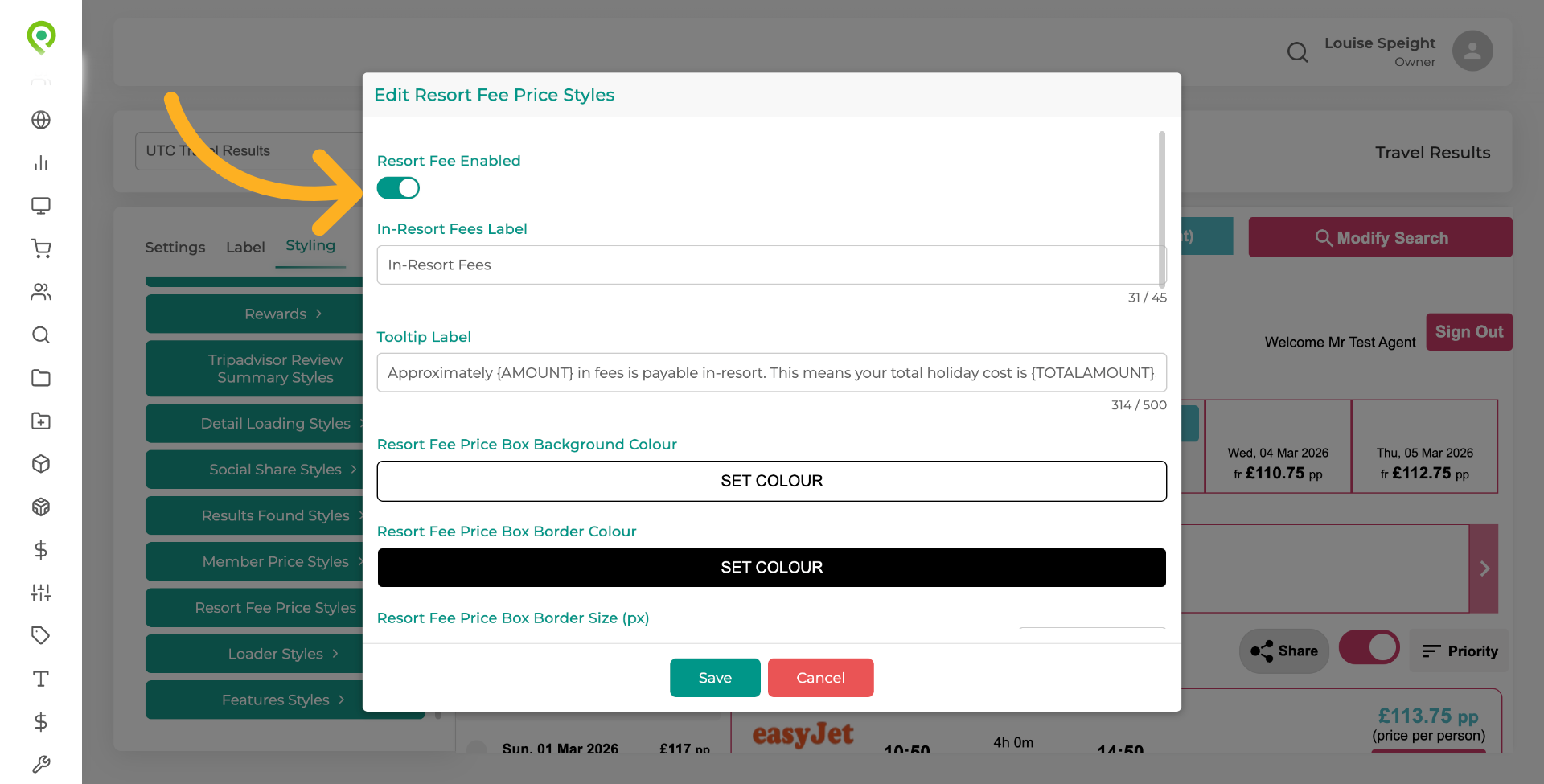
7. Enable Resort Fee Feature
Click "Resort Fee Enabled" to activate the resort fee functionality.
8. Here you can make any changes to the label
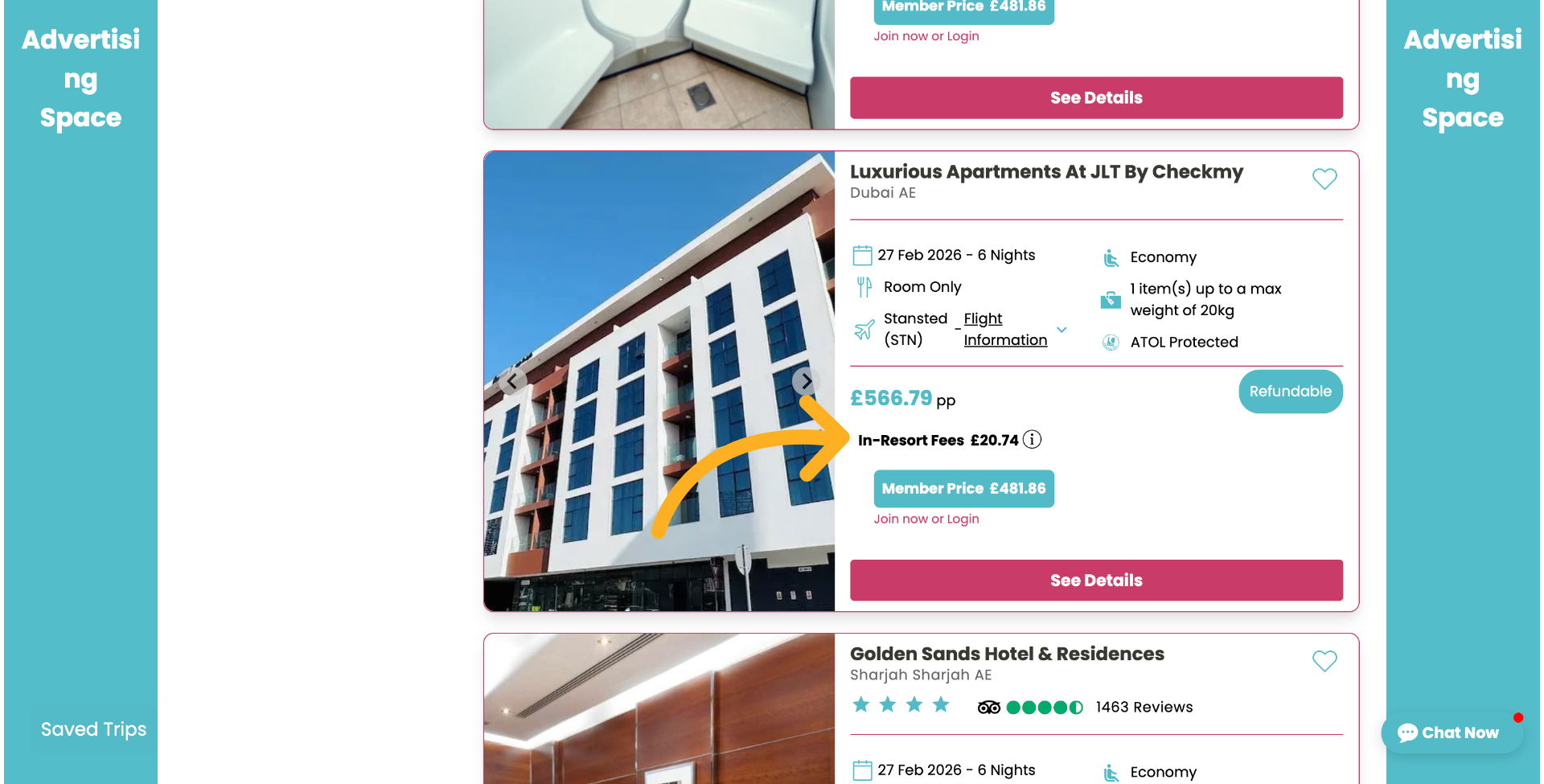
Here you can make any changes to the label that will appear on the search results, as shown in the next slide.
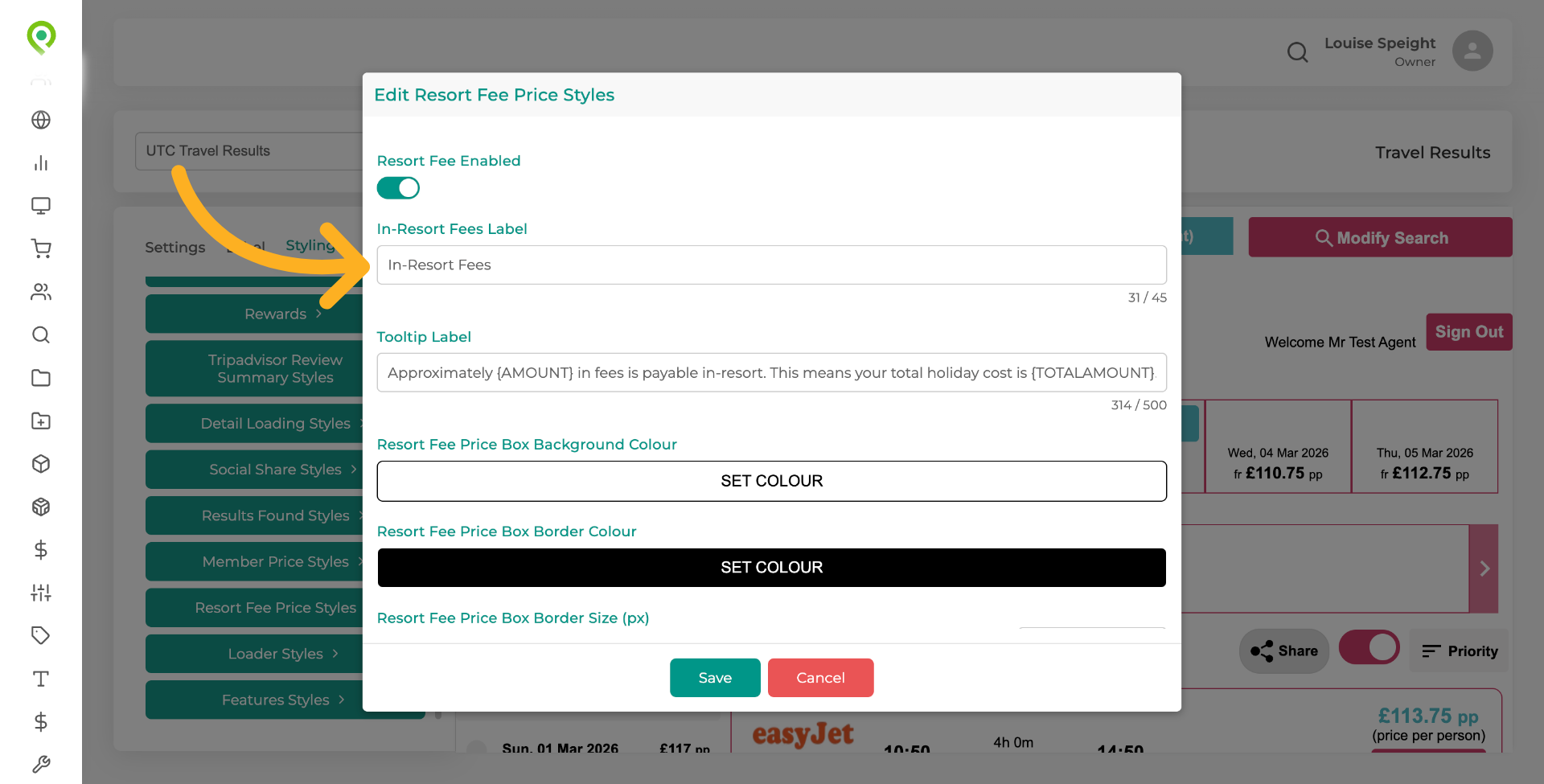
9. In-Resort fees label
This is how the label will display.
10. More information for your customer
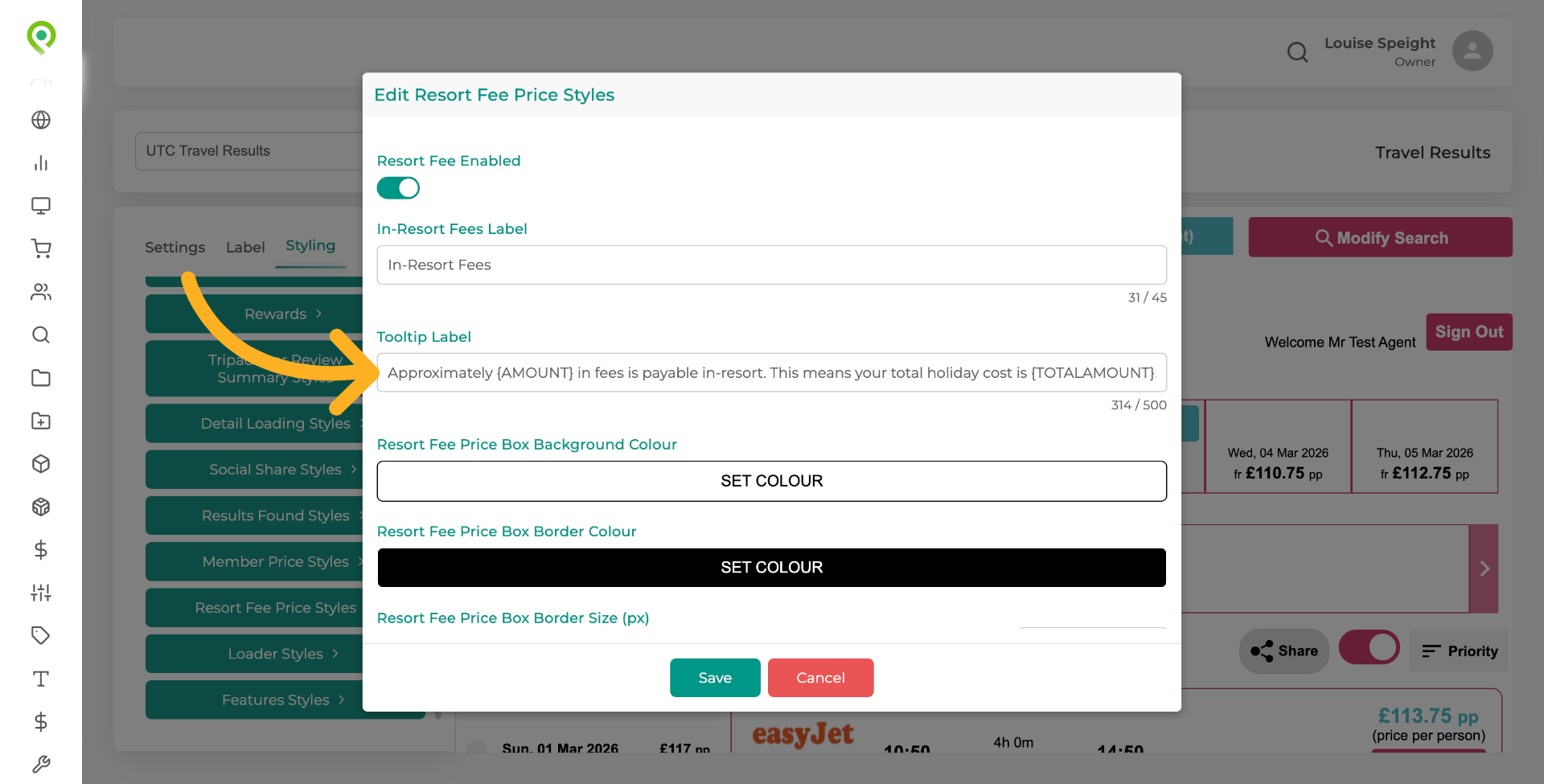
This section should already be populated for you with information regarding this fee, for your customers to see, but if it is not then we suggest using something similar to the wording shown, you can make any changes you wish to the text, but you must ensure that AMOUNT and TOTAL AMOUNT appear within the curly brackets. It supports two custom tags which will auto-populate based on the amounts. AMOUNT, this displays any in-resort fees, converted to the selling currency based on the exchange rate at the time, and, TOTAL AMOUNT, this displays the total holiday cost (booking element price plus the in-resort fees).
COPY and PASTE the text as follows...
Approximately
{AMOUNT}
in fees is payable in-resort. This means your total holiday cost is
{TOTALAMOUNT}
This amount is calculated on todays exchange rate and may be subject to change.
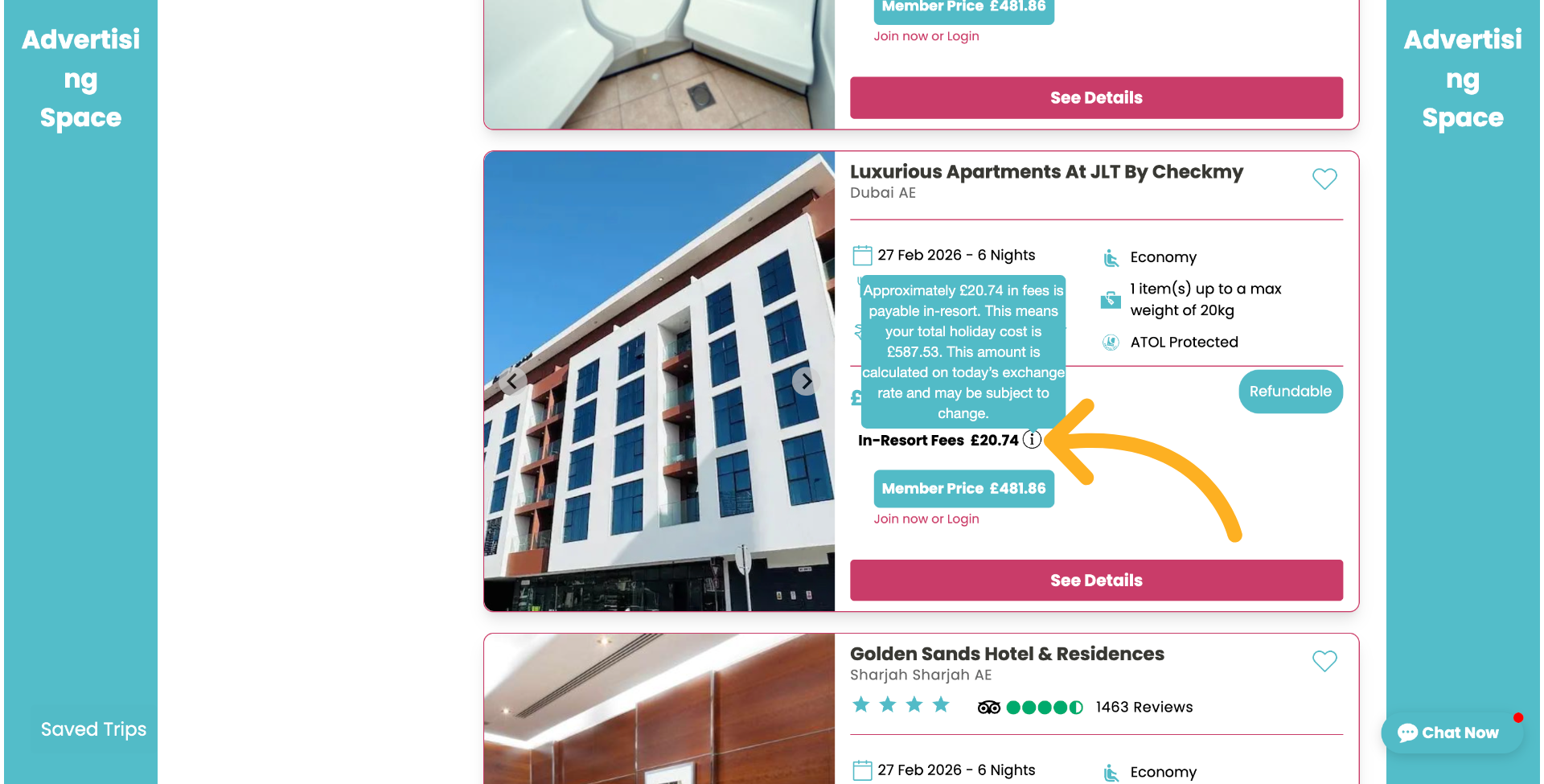
11. How this information will appear to the customer
This is how the information will appear to the customer, when they hover over the "I" icon.
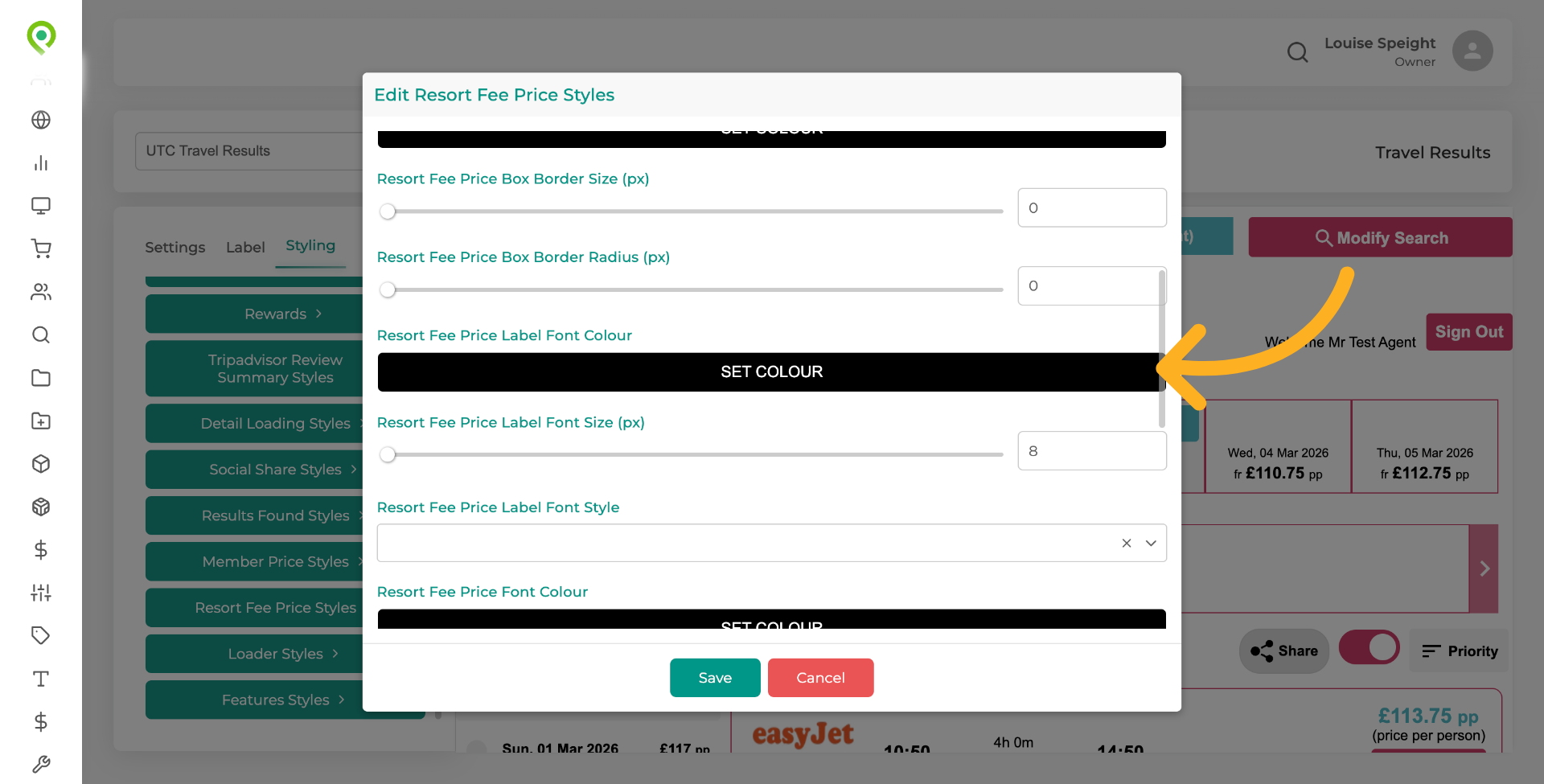
12. You can make styling changes as you wish
You can make any styling changes you wish, here.
13. Styling changes...
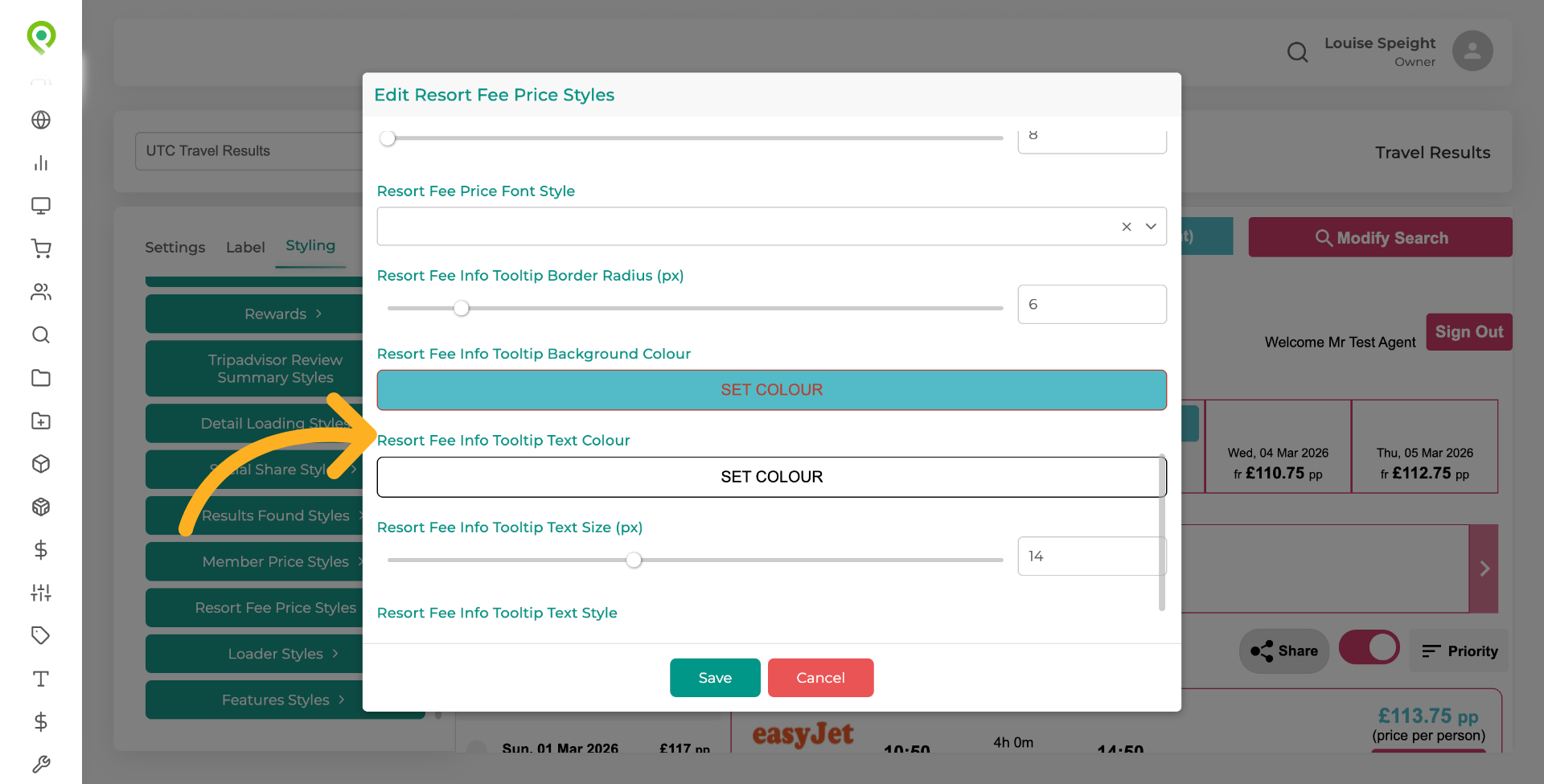
14. Save Changes
Click "Save" to apply and store all resort fee settings and styling changes made within your results widget.
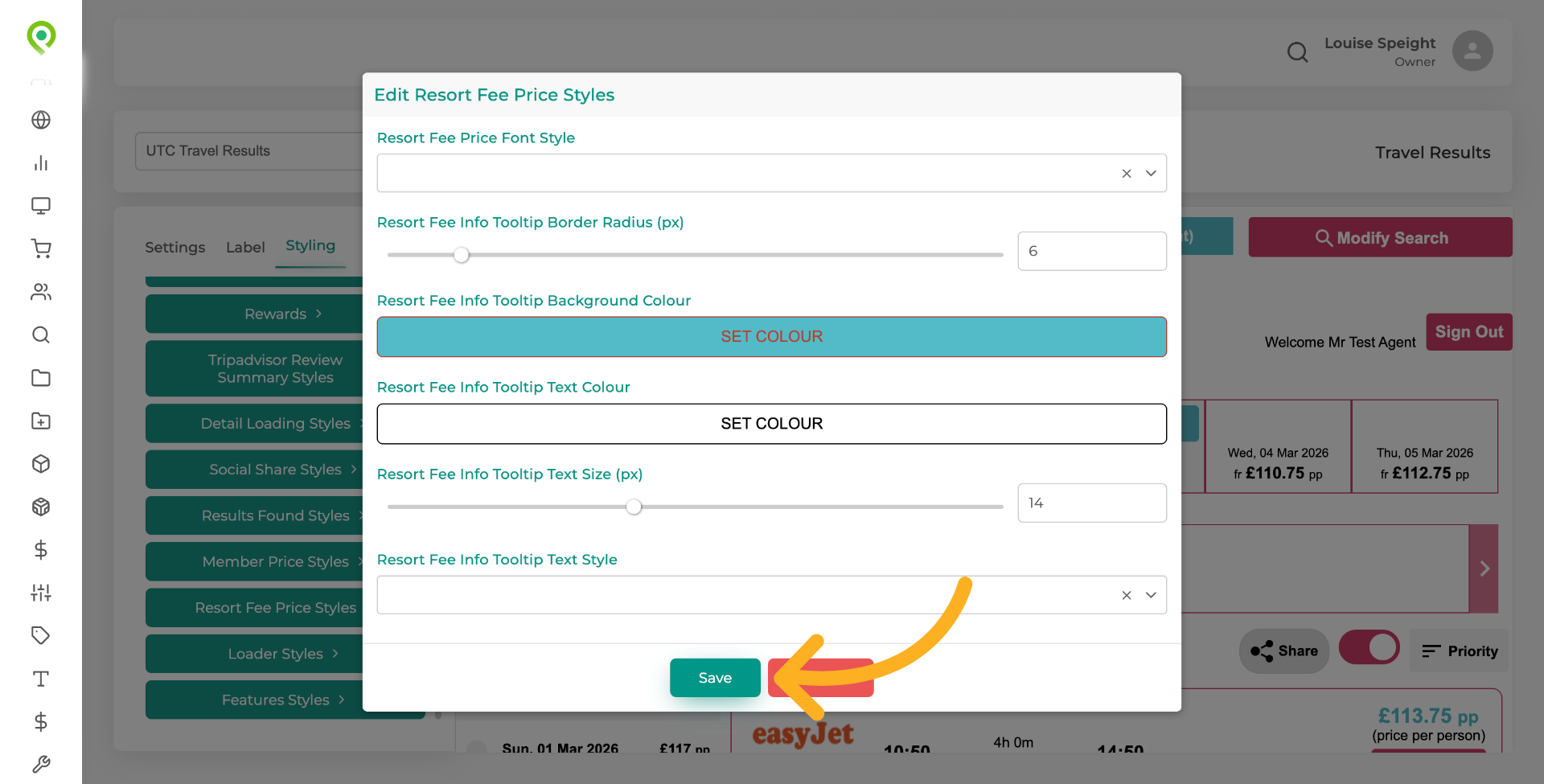
15. Save Your Changes
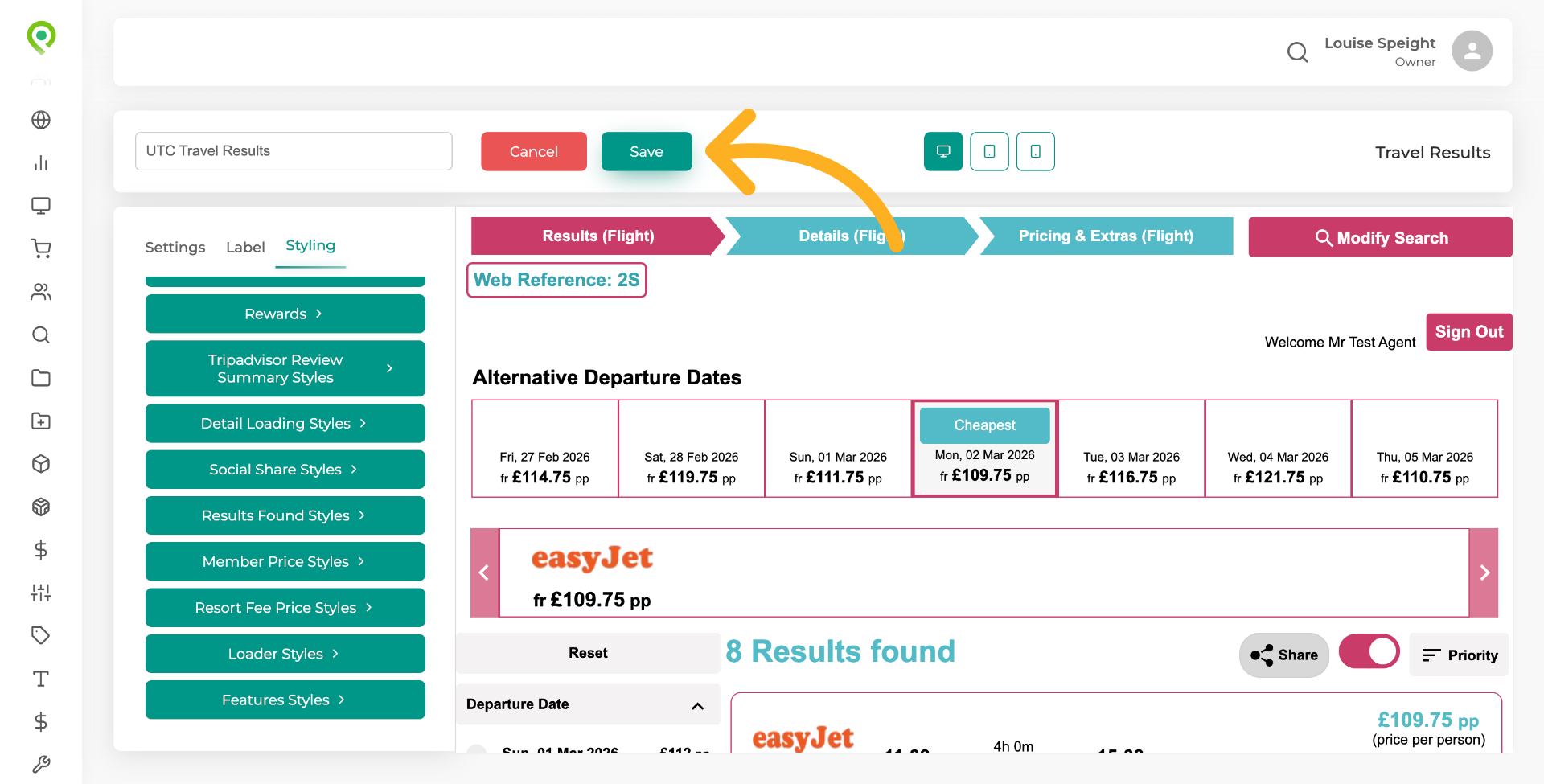
Click "Save" to securely store your changes in Travelify.
16. Access Travel Availability Extras
You now need to replicate this whole process exactly for the Travel Availability Extras widget.
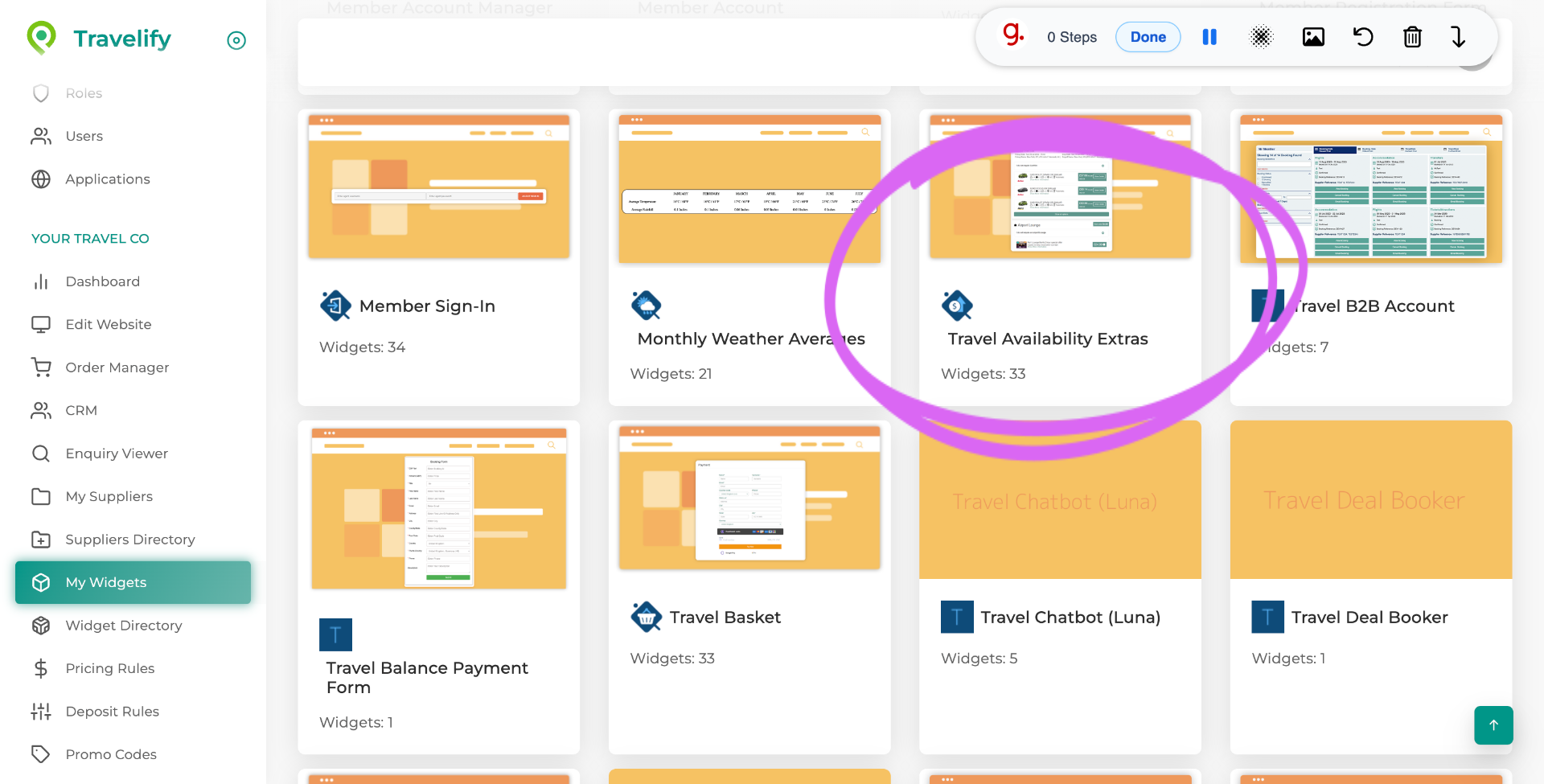
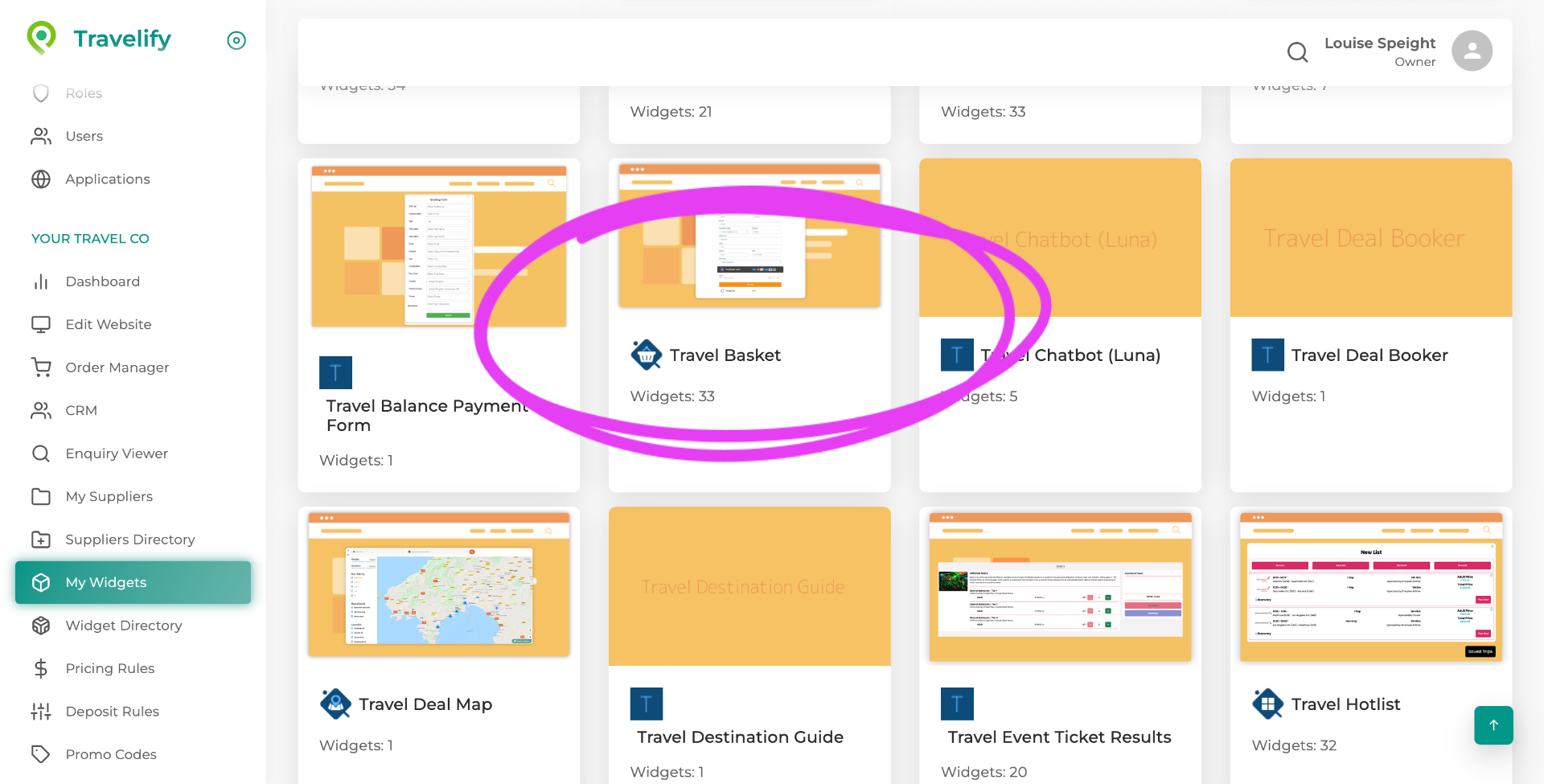
17. Open Travel Basket Section
and the Travel Basket widget.
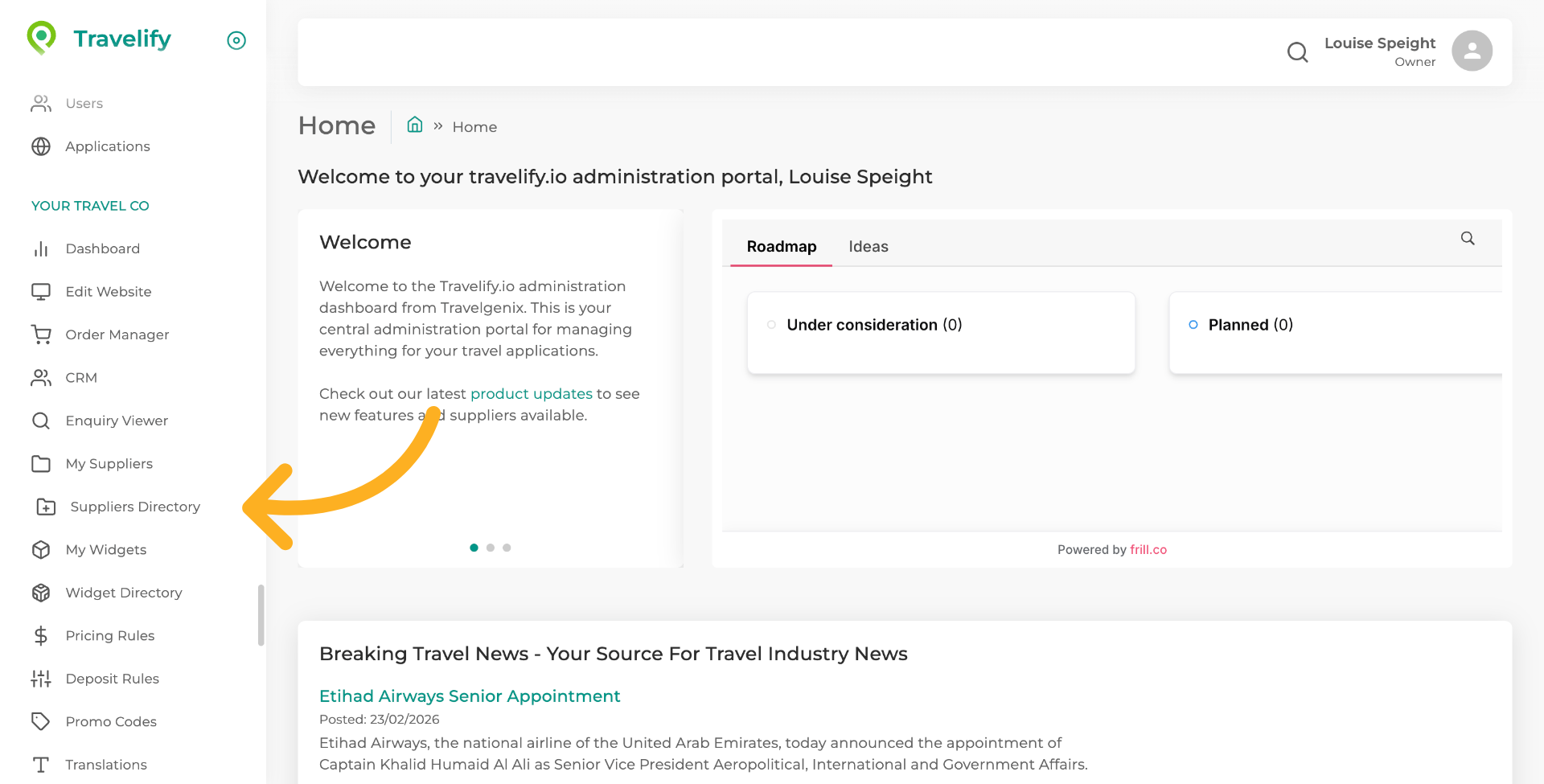
18. Please check the Suppliers Directory
Please check the Suppliers Directory in Travelify to see which suppliers support the in-resort fees.
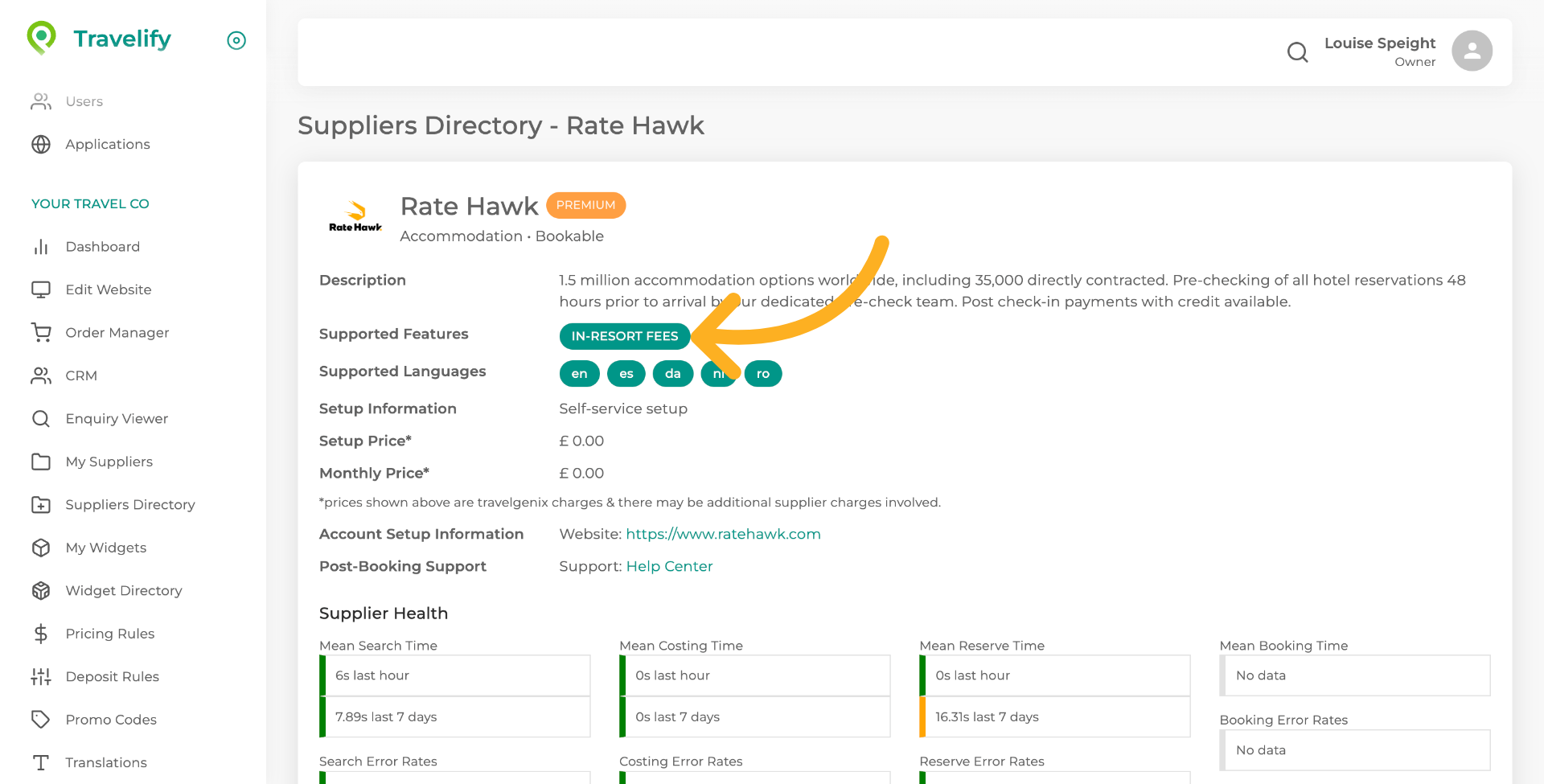
19. Review Supported Features
This shows this supplier supports the in-resort fees feature, so the amounts will be displayed in any search, where they apply.
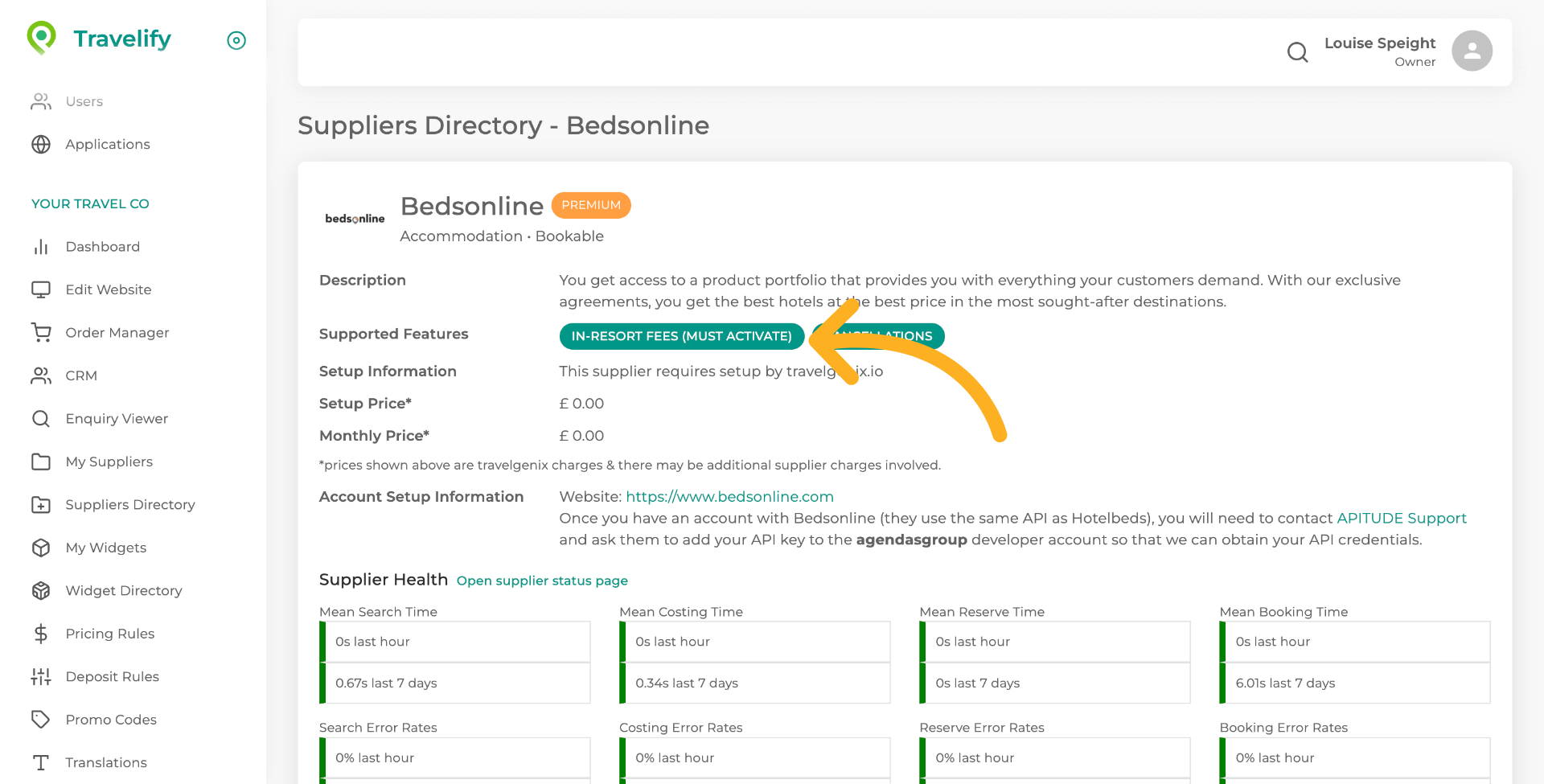
20. Supported Features
If the supplier shows "In-Resort Fees (Must Activate)" this means you will need to speak to the supplier and have this feature activated on your account.
You have successfully configured in-resort fees according to CMA regulations using Travelify.